
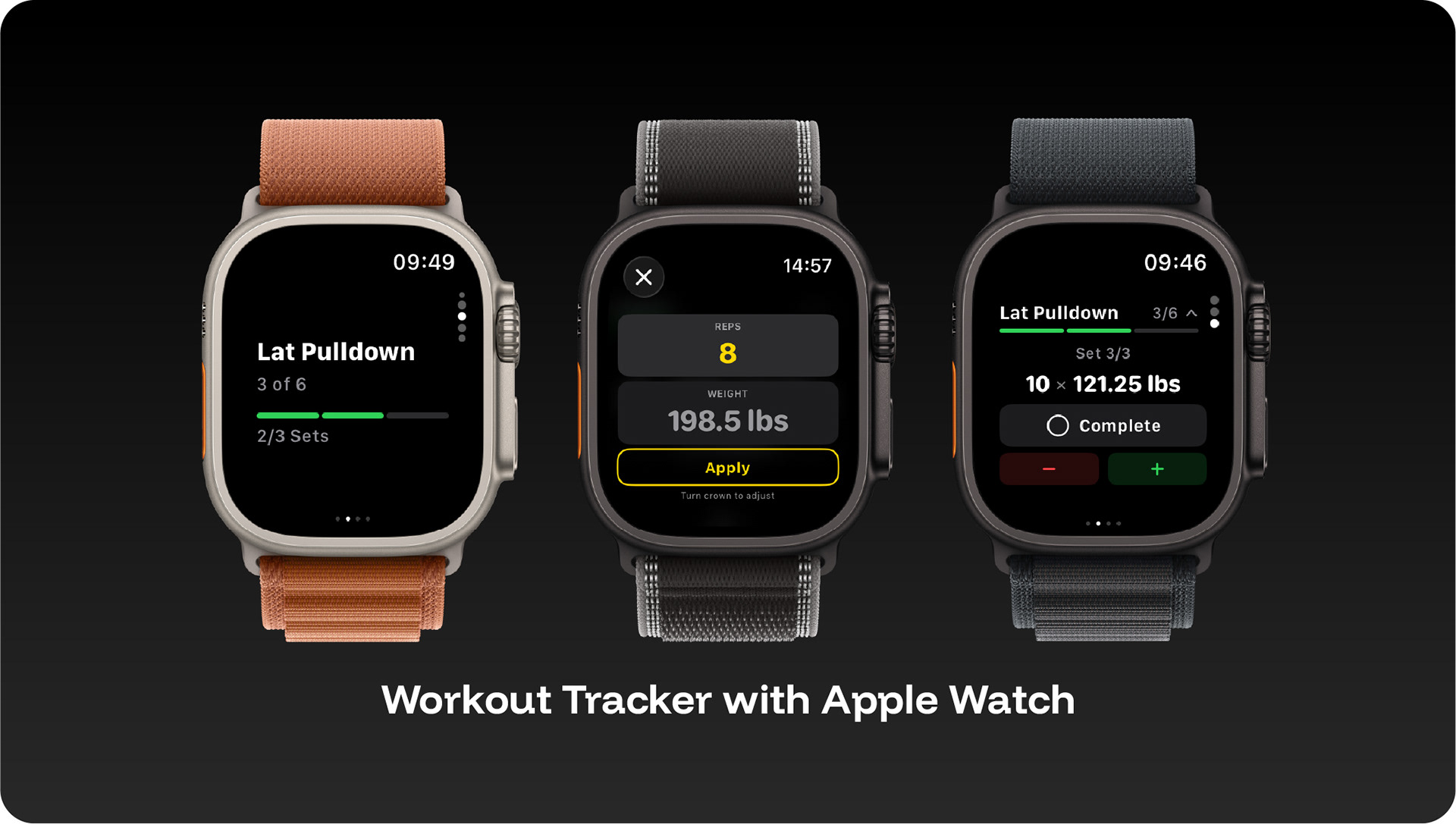
Apple Watch Workout App – Train Directly from Your Wrist
The Apple Watch app offers 7 specialized views: Home View, Active Workout, Exercise Page, Set Editor, Rest Timer, Workout List, and Workout Summary. Each view focuses on a specific training task. The context-aware Home View automatically decides what to display: workout list when no training is active, active workout during a session, summary after completion.
4-Tab Interface with Digital Crown Navigation
The active workout uses a 4-tab interface: controls, exercise list with expandable sets, real-time dashboard, and Now Playing view for music control. Use the Digital Crown to adjust weight and reps directly on your wrist – perfectly optimized for training without a touchscreen.
Real-Time Heart Rate with 6 Training Zones
The Watch reads real-time heart rate during training via its own HealthKit Manager. 6 heart rate zones (rest, warm-up, fat burn, aerobic, anaerobic, maximum) show you whether you're training at the right intensity.
Bidirectional Sync with Automatic Deduplication
Training plans are automatically transferred from iPhone, completed workouts flow back to the iPhone database. Automatic deduplication prevents duplicate imports during multi-channel synchronization. The gym tracker works fully offline on the Watch.
Complication and Haptic Feedback
A watch face complication shows the next scheduled workout – start your training with a single tap. The WatchHapticManager provides haptic feedback on timer expiration and set confirmation. After training, the summary shows duration, calories, and heart rate.
Unlock your Apple Watch training potential – Download GymViz for free and train directly from your wrist.